Disconnected workflow

Where the work gets messy

Event payments, customer lists, status updates, orders, and attendance details can become a manual tracking problem.

  1. A lead comes in through one channel while the rest of the work is happening somewhere else.
  2. Details, notes, payment context, and next steps get split across tools.
  3. Follow-up depends on memory instead of a clear customer record.

Connected workflow

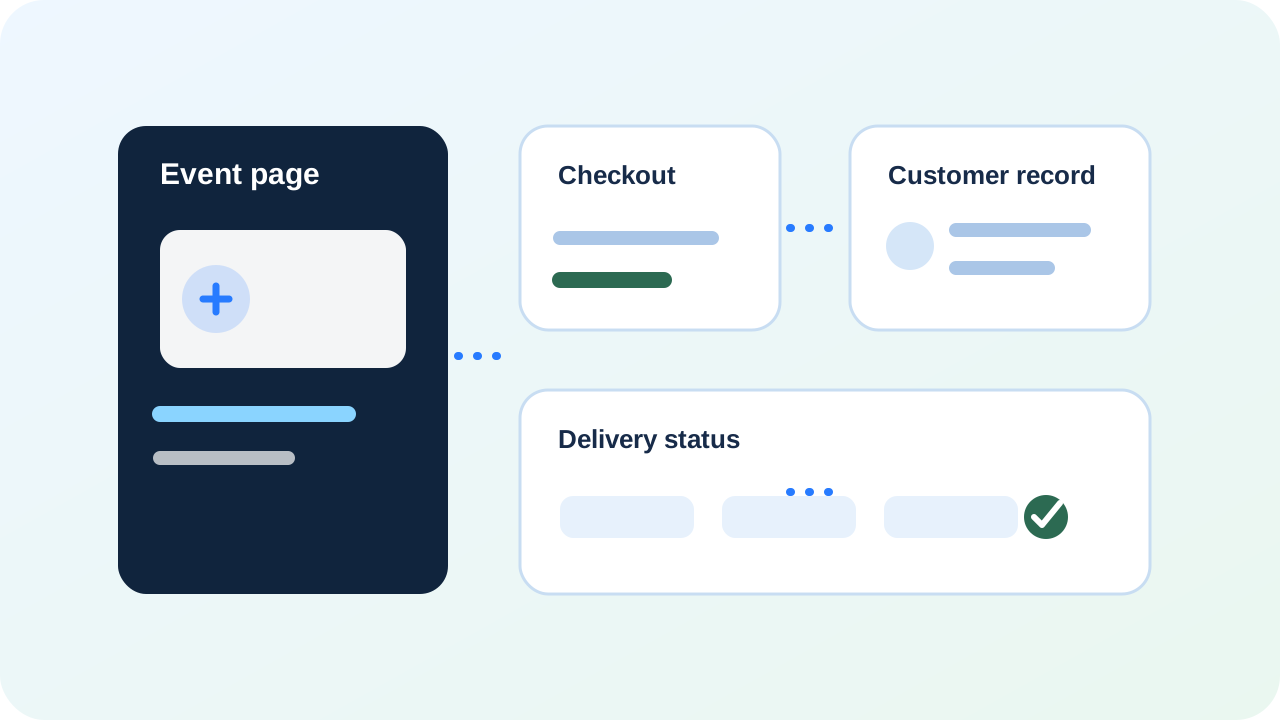
Event page to booking or checkout to customer record to payment status to delivery or attendance tracking

BayoSys gives that customer journey a clearer path instead of leaving each step in a different app.

  1. Capture the right details from the first interaction.
  2. Create one customer record with notes, status, and next step.
  3. Keep payment, booking, follow-up, and delivery context together.

Event pages

Configured around the way event businesses sell, deliver, collect, and follow up.

  • Clear customer record
  • Next step visibility
  • Payment and follow-up context

Checkout

Configured around the way event businesses sell, deliver, collect, and follow up.

  • Clear customer record
  • Next step visibility
  • Payment and follow-up context

Customer records

Configured around the way event businesses sell, deliver, collect, and follow up.

  • Clear customer record
  • Next step visibility
  • Payment and follow-up context

Payment status

Configured around the way event businesses sell, deliver, collect, and follow up.

  • Clear customer record
  • Next step visibility
  • Payment and follow-up context

Delivery or attendance tracking

Configured around the way event businesses sell, deliver, collect, and follow up.

  • Clear customer record
  • Next step visibility
  • Payment and follow-up context

System preview

See the connected workflow before launch.

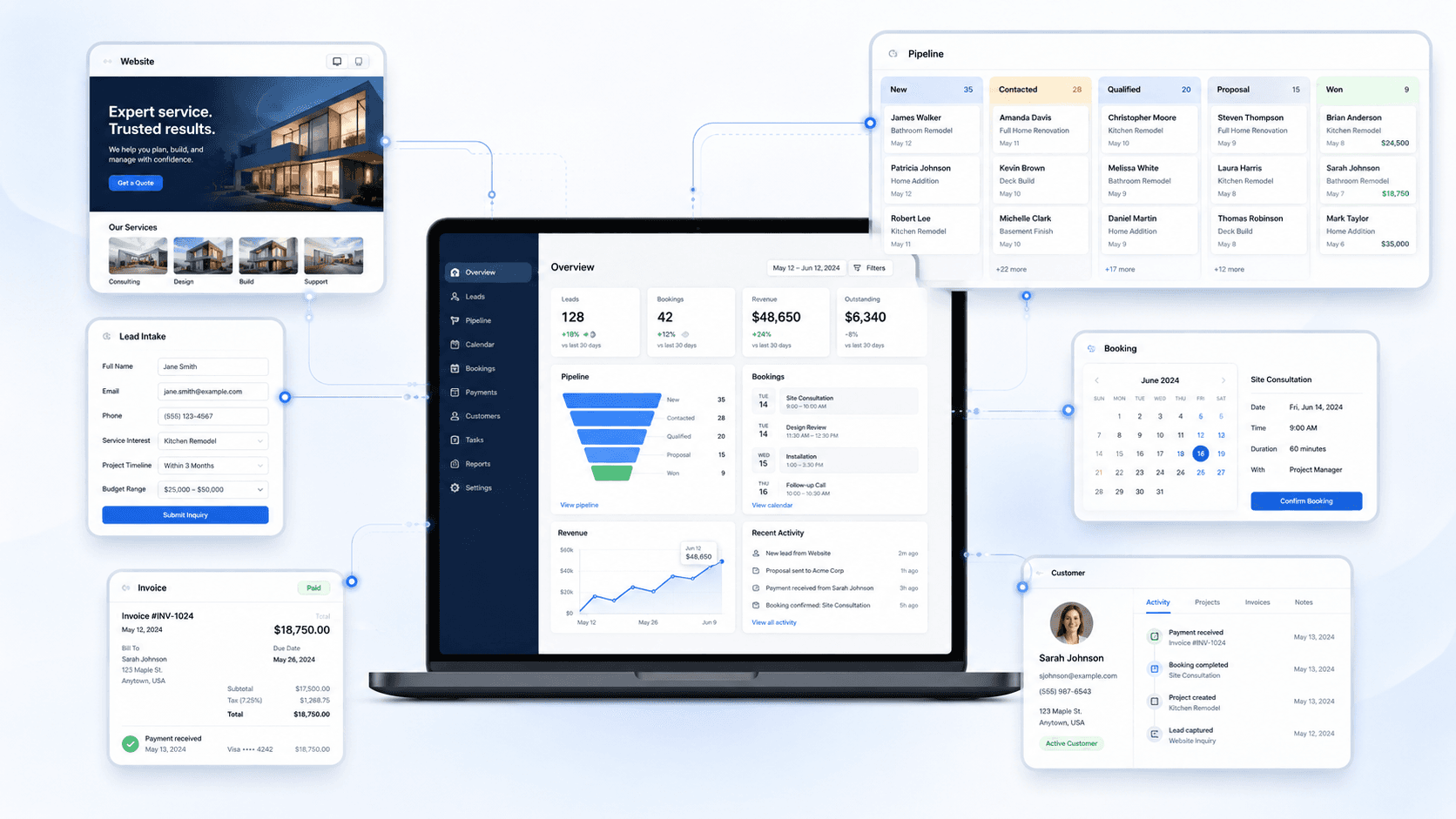
This is the kind of operating view BayoSys connects: site, intake, CRM, payments, and follow-up with context.

BayoSys operations view showing connected lead intake, CRM, booking, payments, and customer records

Starting points

Start with the full system, CRM access, or a product-specific workflow.

Request access and tell us what needs to be connected first.

Request Access